Locations
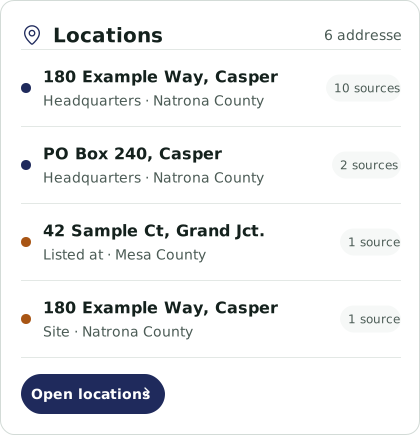
Distinguish headquarters, sites and other listed addresses. Inspect their counties and supporting records.
Search by name or keyword, combine filters, or ask Atlas to help. Explore matching companies and the information behind them.
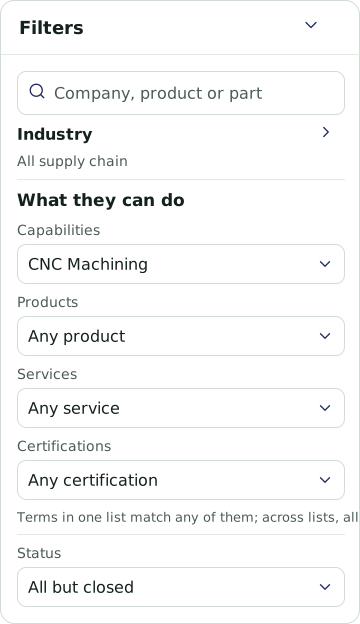
Narrow your search by geography, industry, company characteristics, or records relevant to your task. Find businesses with available contacts, funding records, contract activity, and other details that matter to your search. Choose whether to include businesses listed at registered agent addresses.
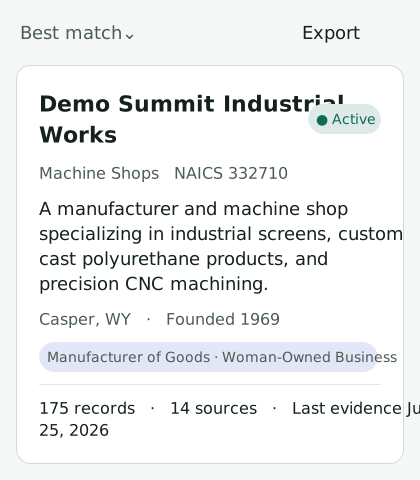
See each business’s description, industry, location, and available source and record counts alongside its name. Use this context to decide which companies to investigate, then move between the list and map to understand where your results are located.

Explore the information connected to a company, including its offerings, locations, contacts, public records, and activity. Review the sources supporting individual details and see where sources disagree. Use that evidence to decide which businesses to investigate further.

Use Data Studio to build a table around the businesses you want to investigate. Choose recorded fields, add custom assessments, and organize companies around your requirements. Export the list for research, sourcing, outreach preparation, or another task.

Choose whether to include companies that have not yet been assigned an industry, headquarters listed at registration hubs, or secondary NAICS codes in industry searches.
These options make the scope of your results explicit. Maps and overview counts continue to use processed businesses; the option to show unprocessed companies adds them to Explore’s list and Regional Activity.

Open a source-agreement badge to see which records support a displayed value and which report something different. You can trace an individual detail to its evidence before using it in your research.
Here, 13 of 14 sources support the displayed name; the website reports another. The badge describes agreement between sources, rather than a guarantee that a value is correct.
Demo business identity. Source names and agreement counts follow the supplied platform view.
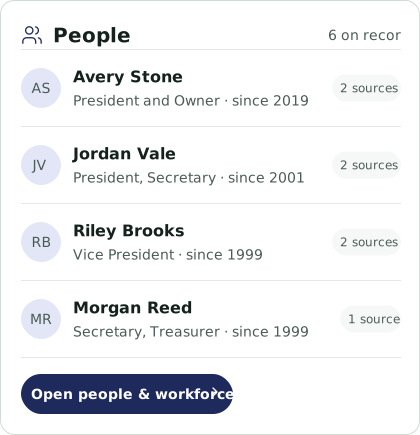
Explore where a company operates, the public records connected to it, and the people listed in its profile. Source indicators stay beside the details.
Distinguish headquarters, sites and other listed addresses. Inspect their counties and supporting records.
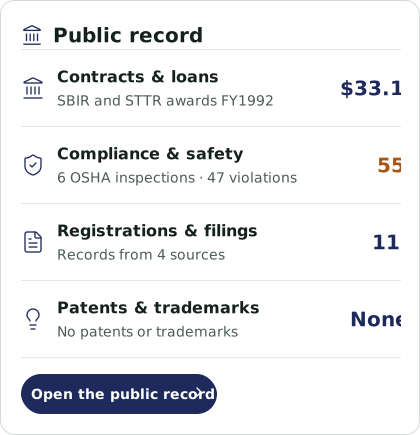
Review available awards, loans, compliance records, registrations, filings, patents and trademarks.
See recorded people and roles, when they were listed, and which sources connect them to the business.
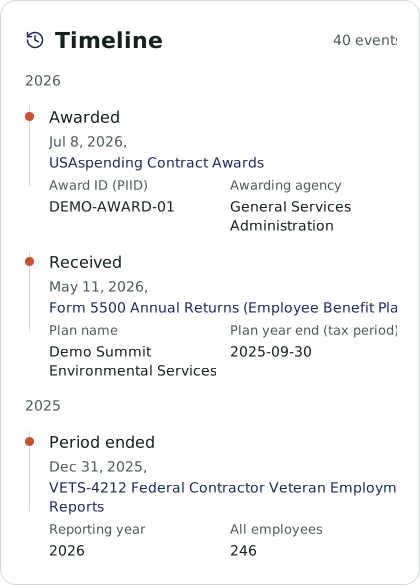
A company timeline brings dated awards, filings and other records into one view. See which dataset an event came from and review the details behind it.
Distinguish when an award was made, a filing was received, or a reporting period ended as you build context for a business.
Explore how EcosAtlas can help you find and investigate the businesses you need.