Research suppliers and expand your sourcing options
Find manufacturers and related businesses, investigate their capabilities, and build supplier lists around the work you need done. Support sourcing decisions with connected company information and evidence you can review.

Find companies for a specific requirement
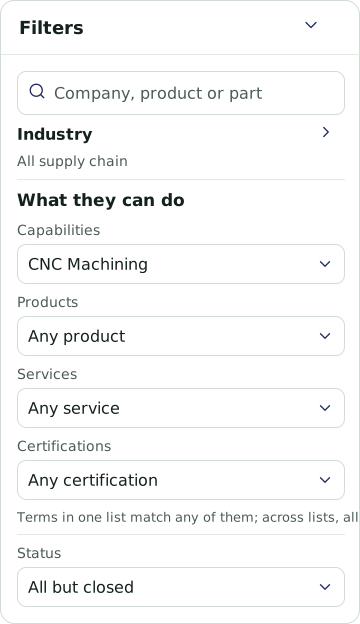
Start with the product, process, material, equipment, or service your project requires. Search for relevant businesses, narrow the geography, and investigate the companies behind the results.
Explore additional sourcing options
Research potential alternatives to existing suppliers or identify businesses in a different region. Compare their available capabilities, locations, certifications, and records to decide which candidates deserve further investigation.
Connect suppliers to larger projects
Identify businesses that could contribute to construction, manufacturing, infrastructure, or other projects. Organize candidates by the work they may support, from materials and fabrication to installation, maintenance, and related services.
Prepare a shortlist your team can use
Build a company table with the information relevant to your requirements. Add custom columns for potential roles, capability assessments, fit scores, and explanations. Review the findings and export the list for supplier discussions and further evaluation.

Follow relevant company activity
Use flags to follow business changes, contract awards, and other events relevant to your suppliers or sourcing research. Review matching companies and supporting records to decide when to investigate or follow up.

See where the industry mix differs
Compare the number of businesses in each industry with the count expected at the US industry mix. See which industries have fewer or more businesses in your selected area, then investigate the companies behind those patterns.
Use the comparison to focus sourcing and regional research. Pair it with company profiles, capability evidence, and supplier discussions to understand what the region can support.

Keep your sourcing priorities in view
Build a dashboard around the territory and supplier information relevant to your team. Add charts for capabilities, equipment, or services alongside maps and business lists. Adjust the panels as your sourcing requirements change.
Explore a sourcing project
Bring a requirement and see how EcosAtlas can help you find potential suppliers and organize the research.