Follow the changes that matter to your work
Set conditions that bring relevant businesses to your attention. Flags help you identify company activity, potential service needs, and opportunities for follow-up, with notifications inside EcosAtlas.

Define what matters
Turn on an existing flag or create one around the conditions you want to follow. Focus on relevant events, industries, or business characteristics, and choose how far back to look for activity that meets your criteria.

Find reasons to start a conversation
A new loan or contract award can provide a reason to check in with a business. Build flags around the circumstances relevant to your services, then review matching companies to understand whether a conversation could be useful.
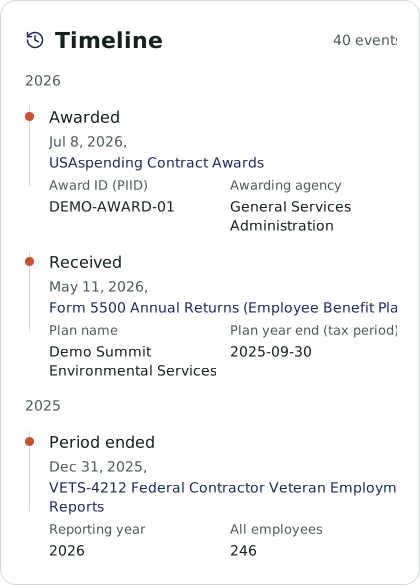
See matches and why they appear
When a business matches a flag, receive an in-platform notification and find it on the Flags page. See which flag brought the company to your attention, then investigate its profile and the information relevant to your next step.
Control what you follow
Turn flags on or off as your priorities change and create custom flags for new needs. Describe a condition to Atlas to help set it up, or use the platform controls to choose the activity you want to follow.

See flags in action
Bring an example of the businesses or events you want to follow, and explore how flags can support your work.