Build reports from the businesses and data you explore
Organize business research and regional findings into reports your team can review and use. Add text, figures, charts, maps, and tables, then export the finished report as a PDF.

Choose the information to include
Build a report around the companies, geography, or industry relevant to your question. Use EcosAtlas data to show business distributions, compare groups, or present the companies you have identified through your research.
Arrange your report
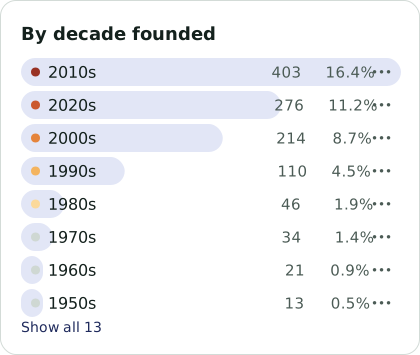
Work with Atlas or add and arrange blocks yourself for text, figures, charts, maps, and tables. Build an overview of the area you are studying, then add a closer look at selected businesses and findings.
Explain the findings
Add your interpretation alongside the data. Describe what a chart shows, explain why a group of companies matters, and include the context a reader needs to understand the result. Build a report suited to the discussion or decision ahead.

Share your work
Share the report within your workspace or download a PDF for a client discussion, sourcing review, or regional planning meeting. Bring the relevant tables, maps, and explanations together in one document that others can review.
Turn your research into a report
See how Report Studio can help your team prepare a clear report from the information it finds in EcosAtlas.