Find suppliers and research the companies you may work with
Search manufacturers and related businesses, investigate their capabilities, and organize sourcing research around the requirements of your project.

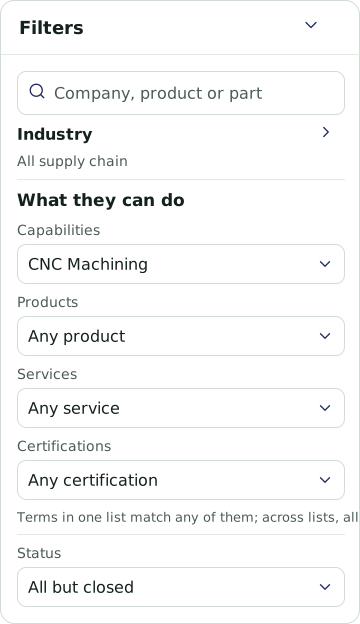
Search by what a business can do
Look for companies by products, services, manufacturing processes, materials, equipment, and certifications. Combine capability criteria with geography and other business information to investigate potential suppliers. Review profiles for offerings, locations, contacts, and public records.
Build a working supplier list
Select companies for closer review and use Data Studio to create a table suited to your sourcing task. Add recorded business information alongside AI text, labels, or scores. Review the assessments and supporting business information, then export the table to Excel.

Use Atlas to move through the research
Describe what you need in natural language. Atlas can help search businesses, work with platform features, and organize results into lists, comparisons, charts, or maps. Use it to investigate suppliers or explore companies that may be relevant to potential customer markets.
Share findings and follow changes
Assemble selected company information, tables, maps, and written findings into a PDF with Report Studio. Set custom flags for conditions or events involving companies relevant to your work. Review notifications and matching reasons to decide which changes need attention.

Keep your sourcing priorities in view
Build a dashboard around the territory and supplier information relevant to your team. Add charts for capabilities, equipment, or services alongside maps and business lists. Adjust the panels as your sourcing requirements change.
Explore your next sourcing task
See how EcosAtlas can help you find candidates and organize the research.