Understand your region and the businesses shaping it
Find local companies, follow business activity, and show what your region can offer prospective employers and projects.
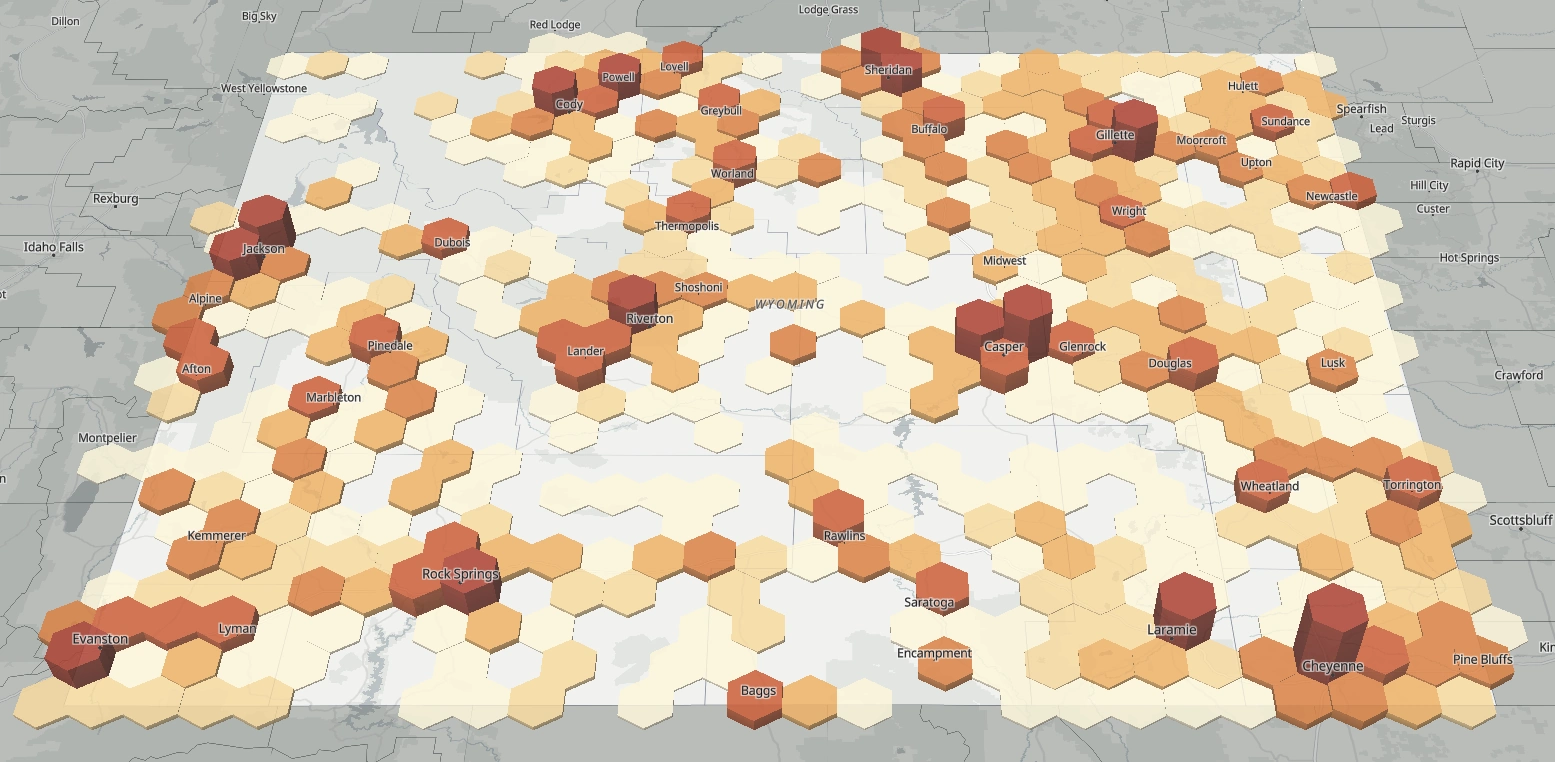
Build a clearer regional picture
Explore businesses across your city, county, state, or wider region. Use maps, lists, and insights to examine industry distribution, business locations, and company activity. Open individual profiles to investigate the businesses behind the regional view.

Connect local businesses to projects
For a project such as a new data center, identify local businesses that may provide relevant products or services. Use Data Studio to organize potential roles, project stages, and AI fit scores from 1 to 10 with a written rationale.
Support recruitment and demonstrate capacity
Research companies that may fit your region and identify nearby suppliers, partners, and related businesses. Build tailored company tables for Excel or use Report Studio to assemble maps, charts, and findings into a PDF for project discussions.

Follow relevant business activity
Set custom flags for conditions and events relevant to your work. Receive notifications in the platform and review matching companies and the reason for each match. Inspect sources and evidence badges as you assess the information and decide where to follow up.

A dashboard for the region you serve
Bring business counts, registrations, recent activity, and a map into your own dashboard. Add charts for industries, counties, or founding periods, then choose each panel’s size and geography to focus your regional work.
Explore EcosAtlas for your region
See how regional analysis, company research, and custom outputs can support your work.