
Contract notices
Review SAM.gov notices and open the official source for requirements, dates, and updates.
Search federal contracts and grants, match opportunities against your business profile, and track the keywords and filters that matter as new work appears.
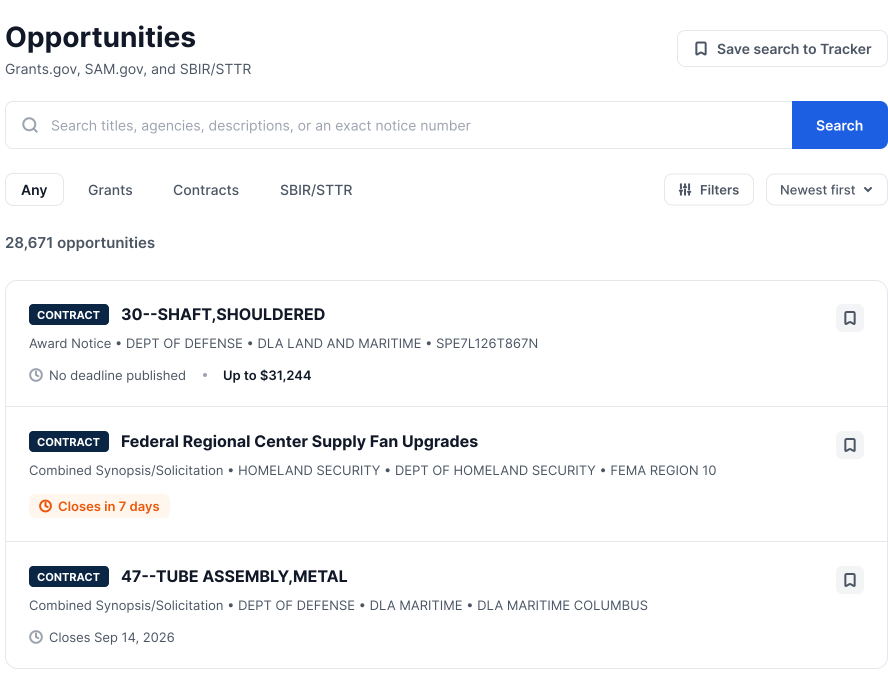
Search by keyword and filter the catalog around the agencies, industries, dates, and work your business wants to review.
Review SAM.gov notices and open the official source for requirements, dates, and updates.
Search Grants.gov opportunities and forecasts using the terms and filters relevant to your business.
Review SBIR and STTR topics alongside the other federal work your team follows.
Move from a broad catalog to a focused, repeatable review workflow without treating a match as an eligibility decision.
For a machining business, a relevant process or industry classification can help explain why a notice surfaced. The official requirements determine what the business needs to confirm next.
Compare the notice with the industries, capabilities, and services in your business profile. See the context behind a match, then review the work, dates, set-asides, and applicant requirements in the official source.
Save keyword and filter searches, bookmark individual opportunities, and track a business profile without rebuilding the same review each time.
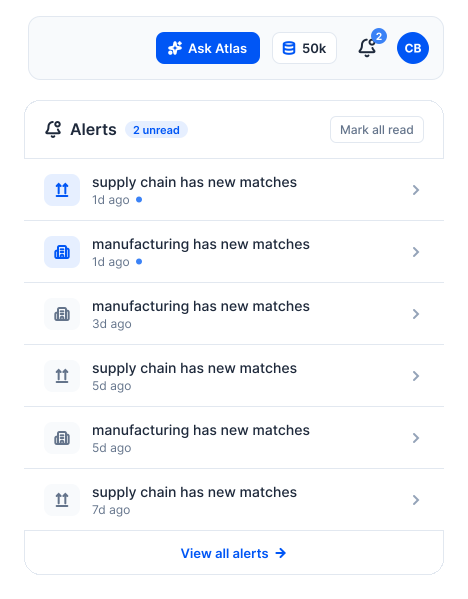
See what is new since your last review, return through in-app alerts, and open the official notice to confirm requirements, deadlines, and eligibility.
Keep your business context current, save the searches that matter, and review new contracts and grants as they appear.